When you click on links to various merchants on this site and make a purchase, this can result in this site earning a commission. Affiliate programs and affiliations include, but are not limited to, the eBay Partner Network.
I have it installed behind my rear view mirror so i cant even see it and forget that it's even there while i'm driving for zero distraction:
Looks like this from outside the car, which i find is barely visible. I put a bit of black electrical tape over the orange logos on the camera to stealth it a bit more:
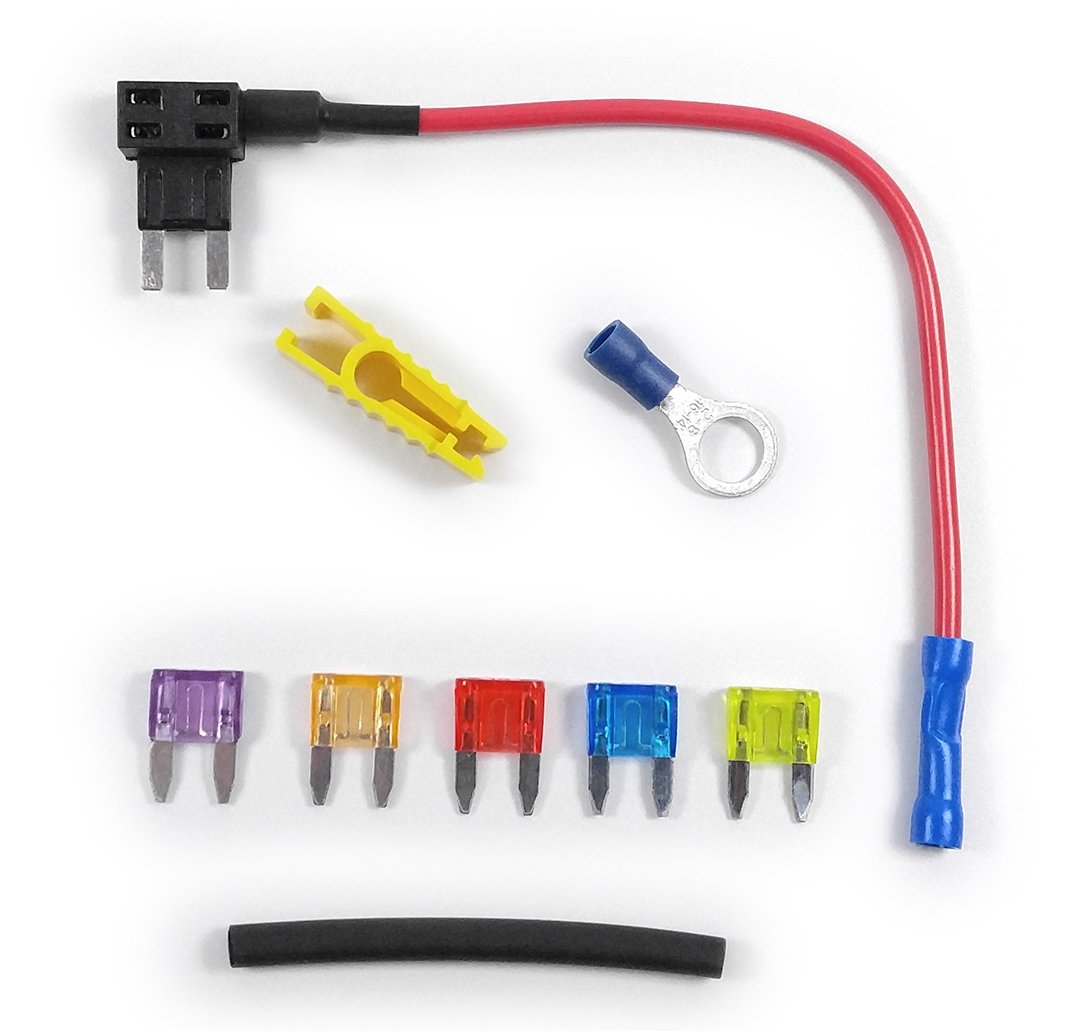
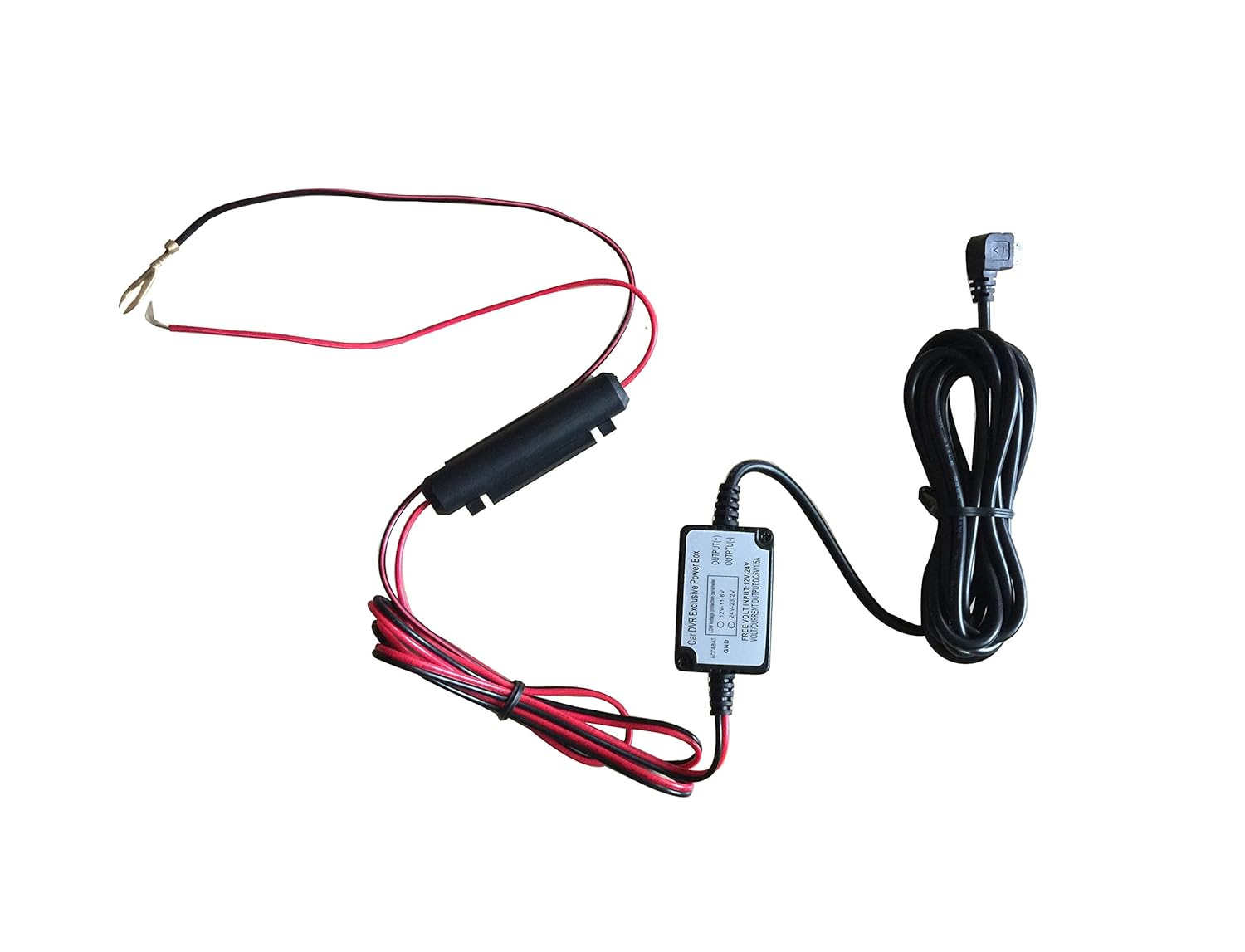
In order to install i purchased the following:
Add-a-Circuit Fuse Tap in Piggy Back Fuse Holder ATM/APM/APS/ACS 12-24V -
After the dashcam was put in place, the usb wire which connects to the dash cam was plugged into the camera and traced back to the interior fuse box by being tucked behind interior trim in locations shown here:
The piggy back fuse was plugged into the the cigarette light socket fuse with a 3A fuse being used for the camera:
The positive connector on the dash cam power supply was crimped to the piggy back fuse wire:
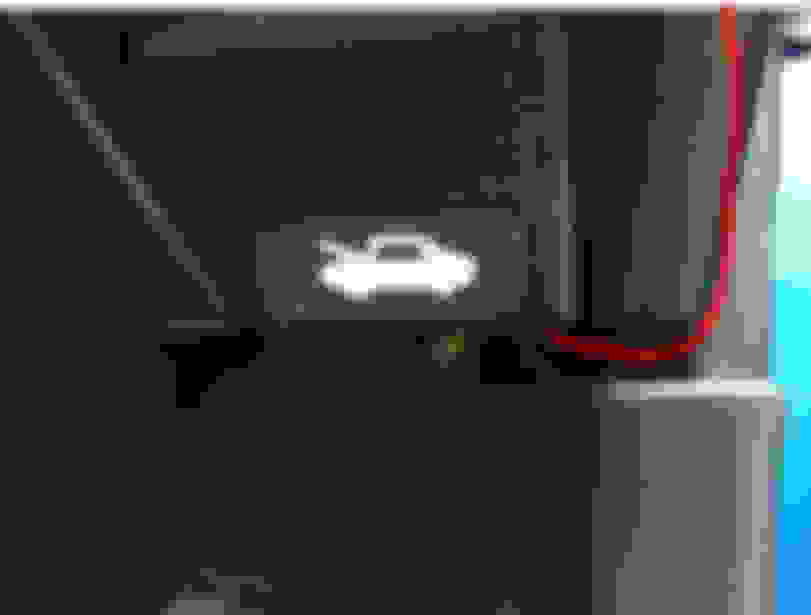
Then the negative wire was grounded onto one of the mounting bracket screws for the bonnet release:
Cables were tucked and zip tied out of the way and it was all sorted. I'd advise testing the dash cam power supply before with everything together before routing the cables as i can imagine that would be a pain the the **** if you got a bad unit.
I can post some sample video from the dash cam if anyone is interested and also add a little more detail to the installation as there are a few granular details left out to keep things brief.
to the guide. Best time to pick one up is around Xmas as they sometimes have decent deals, its £110 at the moment but i got mine for £80 during a discount and has been lower at £75. It's a good package as it includes a 32GB memory card and car charger which you can just use to charge your phone if you hard wire it.
Hmm mine keeps recording in 1 second clips - loads of them for the trip.
Have you updated the camera to the latest firmware using the app? Also formatted the memory card while it's in the camera? You can set the clip length but I don't think 1 second is an option
Have you updated the camera to the latest firmware using the app? Also formatted the memory card while it's in the camera? You can set the clip length but I don't think 1 second is an option
yup and yup several times. In talks with them about replacing sd card / camera
Mna. Do you have any problems with your cameras?
mine (both) do 1 second clips.
speaking with the help desk it’s reducednthe amount when turning the WiFi off but it still does it.
also I find it doesn’t always record for the 10minutes as selected.
the help desks last response isn’t helpful.
Do you think new memory cards would help?
Mna. Do you have any problems with your cameras?
mine (both) do 1 second clips.
speaking with the help desk it’s reducednthe amount when turning the WiFi off but it still does it.
also I find it doesn’t always record for the 10minutes as selected.
the help desks last response isn’t helpful.
Do you think new memory cards would help?
Both cameras have been fine the year I've had them, never any major problems. Did have an issue at one point where if I moved any files around on the memory card using a computer it wouldn't overwrite them automatically and would only record 1 clip that it would keep overwriting. Formatting the memory card while in the camera fixed that issue. I have my clips set to 1 minute when recording at 2k (1440p) cos file size is big and helps searching for particular moments in the footage. I have WiFi on all the time but without my phone connected obviously.
Does your dashcam get a decent charge from long drives?
Might be worth trying a different memory card as you say incase that's the problem.



 Roav C1 Pro Dashcam Installation