


How do you post an image??


Scooby Regular
Joined: Nov 2005
Posts: 2,569
Likes: 0
From: I have never shagged a sheep

Scooby Regular
Joined: Mar 2006
Posts: 58
Likes: 0
From: South Wales

you will need to upload an image using something like photobucket.com
once you have the URL, copy and then back on here select INSERT IMAGE from the icons above when reply to post.
paste the URL of image .
Job done.
GEM
once you have the URL, copy and then back on here select INSERT IMAGE from the icons above when reply to post.
paste the URL of image .
Job done.
GEM


Originally Posted by Goldvale
you will need to upload an image using something like photobucket.com
once you have the URL, copy and then back on here select INSERT IMAGE from the icons above when reply to post.
paste the URL of image .
Job done.
GEM
once you have the URL, copy and then back on here select INSERT IMAGE from the icons above when reply to post.
paste the URL of image .
Job done.
GEM

Scooby Regular
Joined: May 2003
Posts: 19,020
Likes: 0
From: Just beyond the limits of adhesion
If you use Photobucket then you don't need icons. Just copy the text in the bottom panel beneath the pic you want in your gallery, it will say "Img" beside it. This copied text when pasted on here will contain all the required syntax (image tags - [ img ] url of pic [ / img ] ) to make the pic appear. Follow the guide in my post above. There's even a video showing you how easy it is.
CLICKY
CLICKY
Last edited by corradoboy; Apr 15, 2006 at 06:55 AM.
Trending Topics
Scooby Regular
Joined: May 2003
Posts: 19,020
Likes: 0
From: Just beyond the limits of adhesion
Just paste it into your post. As below...
[ IMG ] http;//i9,photobucket,com/albums/a90/WYIOC/Trackdays/Blyton%208th%20Apr%202006/mick,jpg[ / IMG ]
...but I have deliberately messed up the text so it doesn't hyperlink. Without my alteration the copied line of text simply does this...
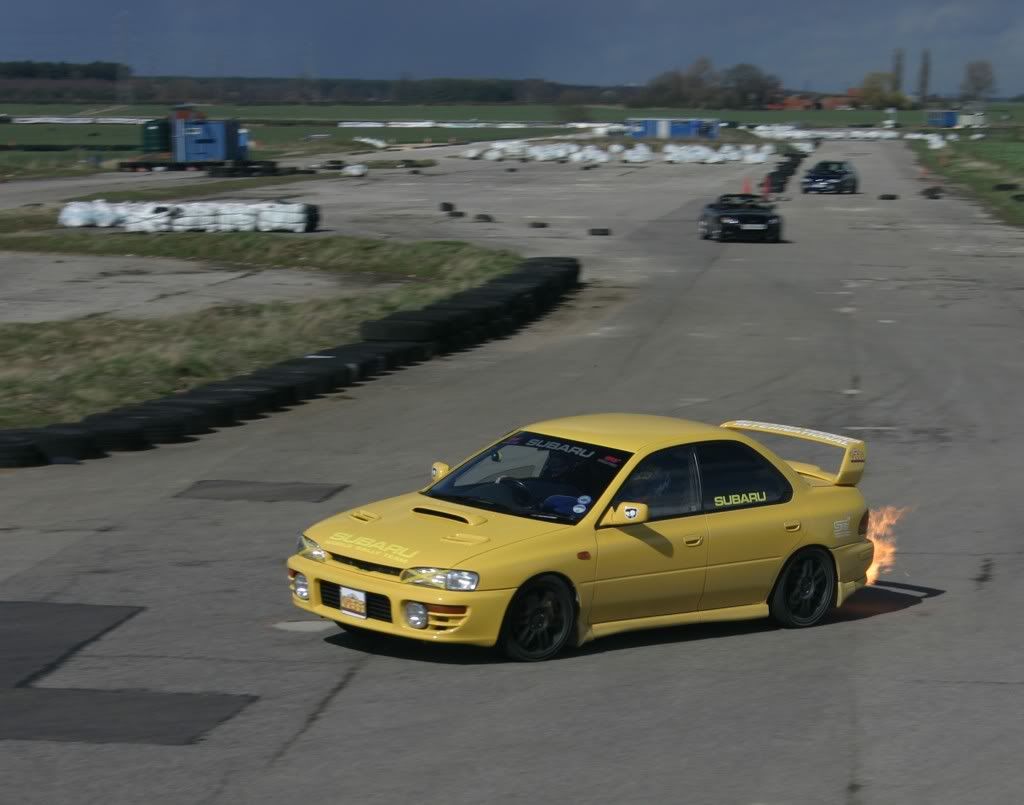
[ IMG ] http;//i9,photobucket,com/albums/a90/WYIOC/Trackdays/Blyton%208th%20Apr%202006/mick,jpg[ / IMG ]
...but I have deliberately messed up the text so it doesn't hyperlink. Without my alteration the copied line of text simply does this...
Scooby Regular
Joined: May 2003
Posts: 19,020
Likes: 0
From: Just beyond the limits of adhesion
Originally Posted by The Rig
i know how to post pics with syntax etc,but on most forums there are icons to add image,hyperlink etc, even on advanced,nothing on this forum ?!!!!!?
 in advanced and paste the url of the pic copied from the top line of text beneath your pic in the PB gallery laballed "url".
Originally Posted by corradoboy
If you really must do it the hard way, click on in advanced and paste the url of the pic copied from the top line of text beneath your pic in the PB gallery laballed "url".
in advanced and paste the url of the pic copied from the top line of text beneath your pic in the PB gallery laballed "url".

ah, well, for all you smart ***** trying to point out im thick as schit, i just took a look in my options and it was set to basic editor, just changed it to and now its how it should be, so, if other people are having the probs i had, its in the options bit of your profile !!
Cheers The Rig
Cheers The Rig

Thread
Thread Starter
Forum
Replies
Last Post
BlueBlobZA
Member's Gallery
30
Jul 25, 2016 09:14 AM
blockhead
Subaru Parts
19
Nov 7, 2015 11:50 PM
trapper2013
ScoobyNet General
6
Oct 30, 2015 03:10 PM
johnnybon
Wheels And Tyres For Sale
7
Sep 25, 2015 07:49 AM