Notices
General Technical
Sponsored by:
Sponsored by: CARiD

Help please coding device in fuse box

Thread Tools
 
Search this Thread
 
Old Feb 13, 2016 | 03:18 PM
  #1  
Robidnb26's Avatar
Robidnb26
Thread Starter
Scooby Newbie
 
Joined: Feb 2016
Posts: 25
Likes: 0
From: Bognor regis
Default Help please coding device in fuse box

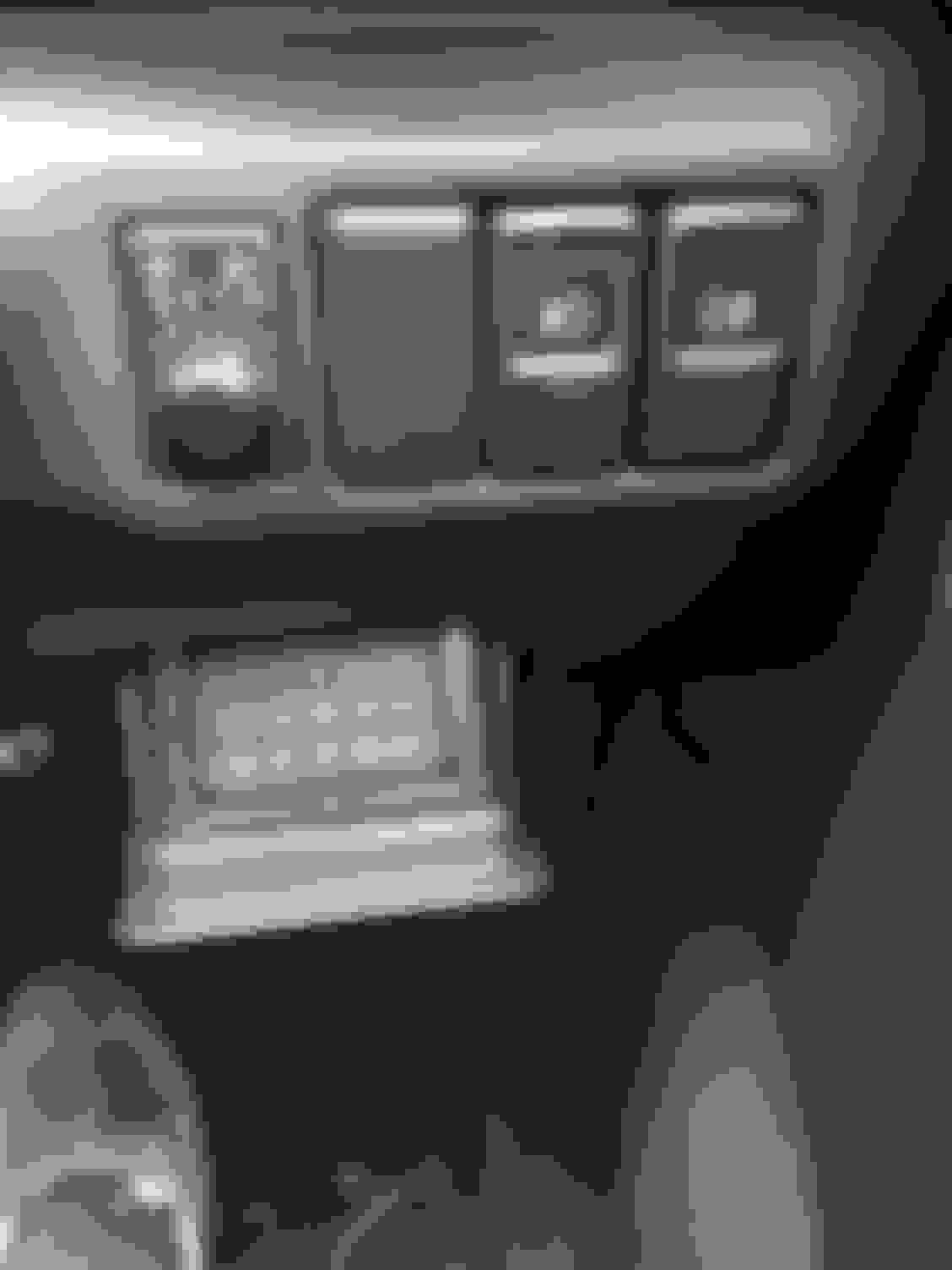
I recently bought the car and just had a bit of time to have a look around inside
I found small code device where is the fuse box.
Anyone got any idea what is it?
Thanks in advance
Reply
Old Feb 13, 2016 | 03:21 PM
  #2  
scottpolestar's Avatar
scottpolestar
Scooby Regular
iTrader: (1)
 
Joined: Dec 2012
Posts: 118
Likes: 0
From: east sussex
Default

Originally Posted by Robidnb26
I recently bought the car and just had a bit of time to have a look around inside
I found small code device where is the fuse box.
Anyone got any idea what is it?
Thanks in advance
The fusebox is still behind that just needs pulling down but that will be one of them keypad immobilisers or has this got an aftermarket alarm fitted.
Reply
Old Feb 13, 2016 | 03:23 PM
  #3  
Don Clark's Avatar
Don Clark
Scooby Regular
20 Year Member
Liked
Loved
Community Favorite
 
Joined: Feb 2003
Posts: 7,841
Likes: 834
From: Harpenden
Default

Standard fit Sigma M30 Alarm keypad fitted in coin tray.

Remove coin tray to get to fuse box
Reply
Old Feb 13, 2016 | 03:27 PM
  #4  
Robidnb26's Avatar
Robidnb26
Thread Starter
Scooby Newbie
 
Joined: Feb 2016
Posts: 25
Likes: 0
From: Bognor regis
Default

Thank you im not looking for the fuse box just noticed this keypad
Do i need to know the code?
Reply
Old Feb 13, 2016 | 04:26 PM
  #5  
Scubarroo's Avatar
Scubarroo
Scooby Regular
 
Joined: Oct 2015
Posts: 68
Likes: 0
From: Stoke on Trent
Default

Originally Posted by Robidnb26
Thank you im not looking for the fuse box just noticed this keypad
Do i need to know the code?
As I recently learned yes ...yes you do. If you have more than one fob to unlock it the it's not so bad but always handy. If you loose your fob(s) then you can just punch the code in to disarm the imobiliser. The is a way to program in a new code providing you have a working fob. Someone kindly put a link in a thread I started not so long back so if you need it it's about.
Reply
Old Feb 13, 2016 | 04:41 PM
  #6  
merlin24's Avatar
merlin24
Scooby Regular
iTrader: (1)
 
Joined: May 2006
Posts: 3,032
Likes: 2
From: RM Performance
Default

Here you go :

Changing your PIN:

- Arm and then Disarm the system using a working Key/Remote.

- Within 30 seconds of disarming, type into the keypad: *17856*92*wxyz*wxyz# (where wxyz is your new PIN code)

- Arm the system with the Key/Remote.

- You should now be able to disarm the system using the new PIN code


Mick
Reply
Old Feb 13, 2016 | 05:28 PM
  #7  
Robidnb26's Avatar
Robidnb26
Thread Starter
Scooby Newbie
 
Joined: Feb 2016
Posts: 25
Likes: 0
From: Bognor regis
Default

Originally Posted by merlin24
Here you go :

Changing your PIN:

- Arm and then Disarm the system using a working Key/Remote.

- Within 30 seconds of disarming, type into the keypad: *17856*92*wxyz*wxyz# (where wxyz is your new PIN code)

- Arm the system with the Key/Remote.

- You should now be able to disarm the system using the new PIN code


Mick


Thank you very much your help guys really appriciate it!!
i will change the code then!
Thanks again
Reply

Trending Topics

Old Feb 13, 2016 | 05:31 PM
  #8  
Robidnb26's Avatar
Robidnb26
Thread Starter
Scooby Newbie
 
Joined: Feb 2016
Posts: 25
Likes: 0
From: Bognor regis
Default

I'll put update how is going.
When i got the code do i need to put *or# after typing in it or just 4 number
Reply
Old Feb 13, 2016 | 08:57 PM
  #9  
merlin24's Avatar
merlin24
Scooby Regular
iTrader: (1)
 
Joined: May 2006
Posts: 3,032
Likes: 2
From: RM Performance
Default

[QUOTE=Robidnb26;11796157]Thank you very much your help guys really appriciate it!!
i will change the code then!
Thanks again[/QUOTE

When you enter each digit, the red light on the keypad should flash once - if it flashes rapidly then you have to start over from the beginning.

If you type :
*17856*92*
the next four numbers will be your new code
press *
repeat your new four number code
press # to save and exit programming mode

If you need to use the keypad to disarm the alarm, just enter your 4 digit code

Mick

Last edited by merlin24; Feb 13, 2016 at 09:02 PM.
Reply
Old Feb 13, 2016 | 09:05 PM
  #10  
Robidnb26's Avatar
Robidnb26
Thread Starter
Scooby Newbie
 
Joined: Feb 2016
Posts: 25
Likes: 0
From: Bognor regis
Default

[QUOTE=merlin24;11796271]
Originally Posted by Robidnb26
Thank you very much your help guys really appriciate it!!
i will change the code then!
Thanks again[/QUOTE

When you enter each digit, the red light on the keypad should flash once - if it flashes rapidly then you have to start over from the beginning.

If you type :
*17856*92*
the next four numbers will be your new code
press *
repeat your new four number code
press # to save and exit programming mode


If you need to use the keypad to disarm the alarm, just enter your 4 digit code

Mick

Thank you your help
Reply
Old Feb 13, 2016 | 09:32 PM
  #11  
Don Clark's Avatar
Don Clark
Scooby Regular
20 Year Member
Liked
Loved
Community Favorite
 
Joined: Feb 2003
Posts: 7,841
Likes: 834
From: Harpenden
Default

If the car didn't come with a copy, might be worth downloading this..........

http://www.scoobypedia.co.uk/uploads...m30_manual.pdf
Reply
Old Feb 13, 2016 | 10:01 PM
  #12  
Robidnb26's Avatar
Robidnb26
Thread Starter
Scooby Newbie
 
Joined: Feb 2016
Posts: 25
Likes: 0
From: Bognor regis
Default

Thank you
Reply
Related Topics
Thread
Thread Starter
Forum
Replies
Last Post
RS_Matt
ScoobyNet General
168
Feb 23, 2016 09:42 PM
scoobyboy1
ScoobyNet General
34
Feb 20, 2016 07:44 PM
Kedlestone
Subaru Parts
6
Feb 13, 2016 02:25 PM
nobafett
ScoobyNet General
23
Feb 13, 2016 08:45 AM
bluenose boy
ScoobyNet General
0
Feb 7, 2016 08:51 PM


All times are GMT +1. The time now is 09:46 AM.