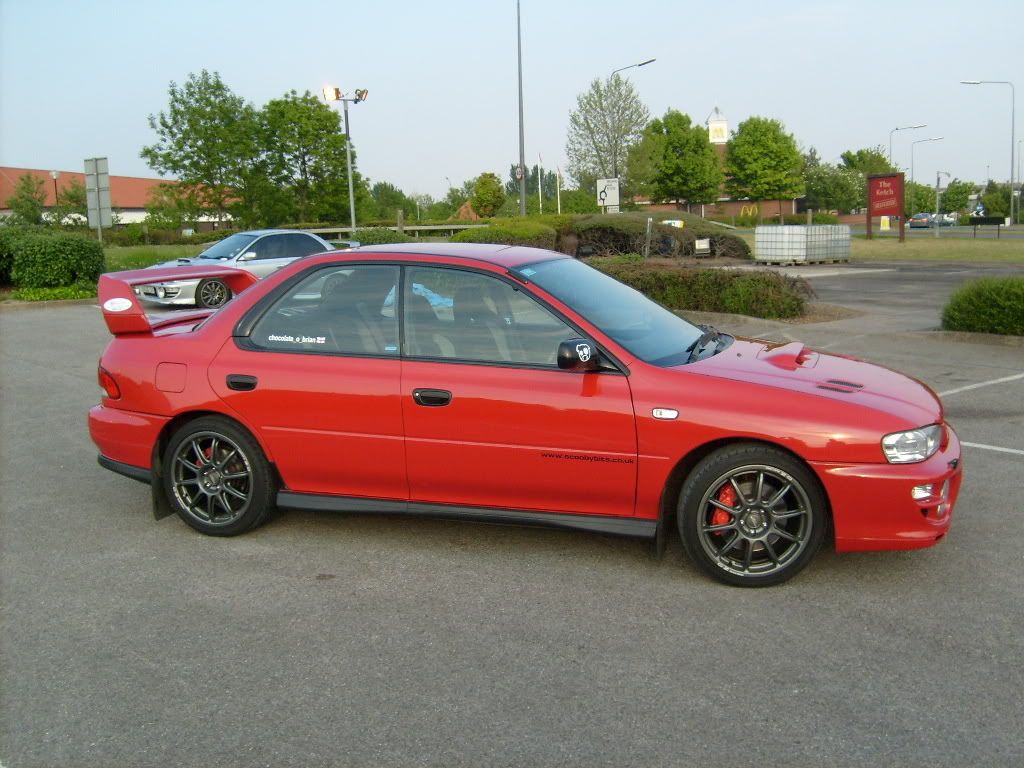
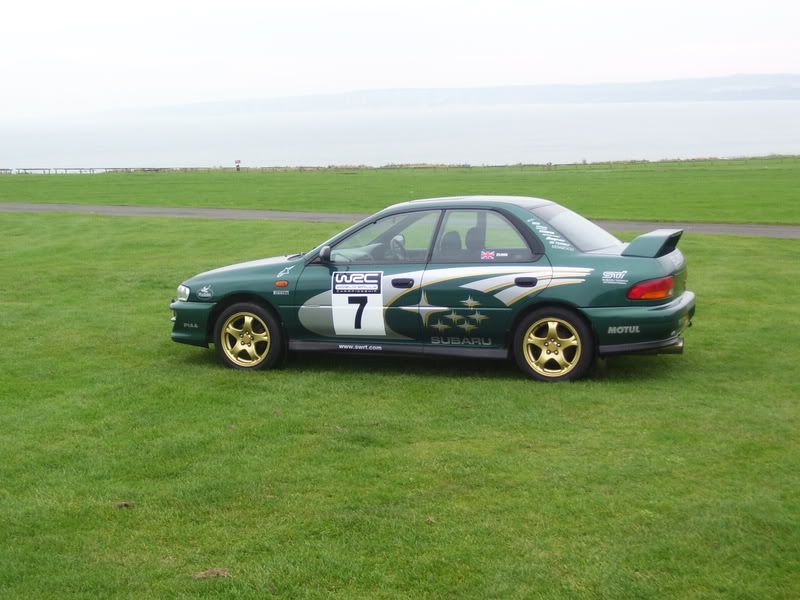
Photoshop squish my WRX please :)




Trending Topics


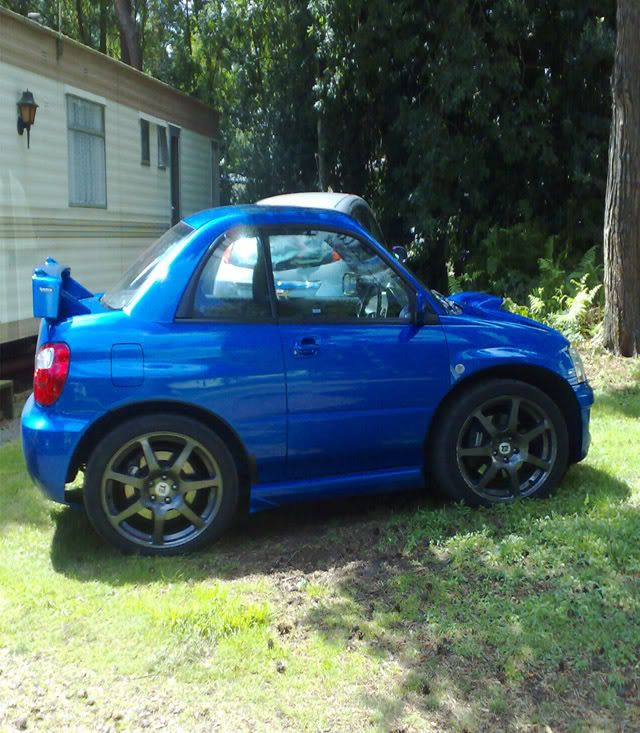


Yea, this is a fairly easy one to do.
Select each wheel with the Polygon lasso tool.
Take a small part of the arch n surrounding area around the wheels to.
Copy n paste the selections to new layers.
Duplicate the main picture to a new layer.
Transform the copy (CTRL+T) n resize to roughly half the width for an aggressive squish, I usually do about 65-70%.
Select your wheel layers n move them over the above resized pic.
Tidy up overlapping areas with eraser/selection tool.
Hide the original pic in layers. Flatten the image n delete the hidden layer.
Crop your result to tidy it up.
Resize to 800 X whatever so its nice n smooth on snet
Then as it's alot narrower, you can as I have make it into a 2 door, by blending out the rear door shut, n removing rear door handle etc, I sometimes also move the window frame/door shut further back, making the drivers door longer, as a 2door should be, but that is more involved as you have to clone over areas which have been moved. Job done
Select each wheel with the Polygon lasso tool.
Take a small part of the arch n surrounding area around the wheels to.
Copy n paste the selections to new layers.
Duplicate the main picture to a new layer.
Transform the copy (CTRL+T) n resize to roughly half the width for an aggressive squish, I usually do about 65-70%.
Select your wheel layers n move them over the above resized pic.
Tidy up overlapping areas with eraser/selection tool.
Hide the original pic in layers. Flatten the image n delete the hidden layer.
Crop your result to tidy it up.
Resize to 800 X whatever so its nice n smooth on snet
Then as it's alot narrower, you can as I have make it into a 2 door, by blending out the rear door shut, n removing rear door handle etc, I sometimes also move the window frame/door shut further back, making the drivers door longer, as a 2door should be, but that is more involved as you have to clone over areas which have been moved. Job done
Last edited by bioforger; Dec 5, 2011 at 12:43 AM.