


my PC build



I have had abit of a small update.
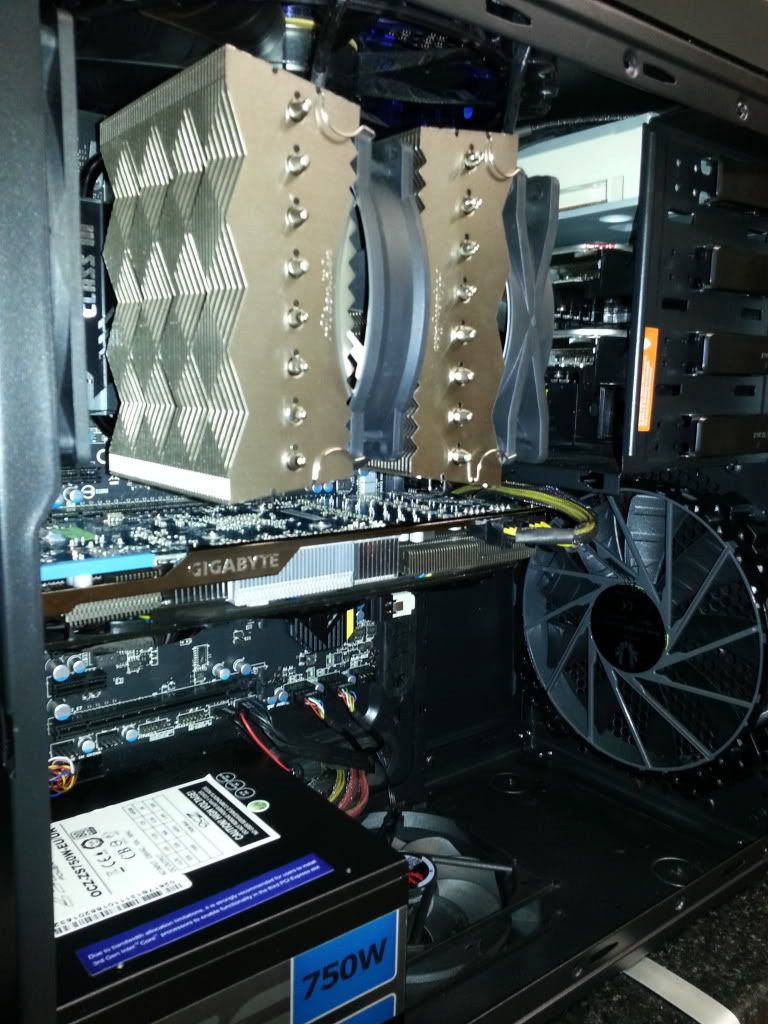
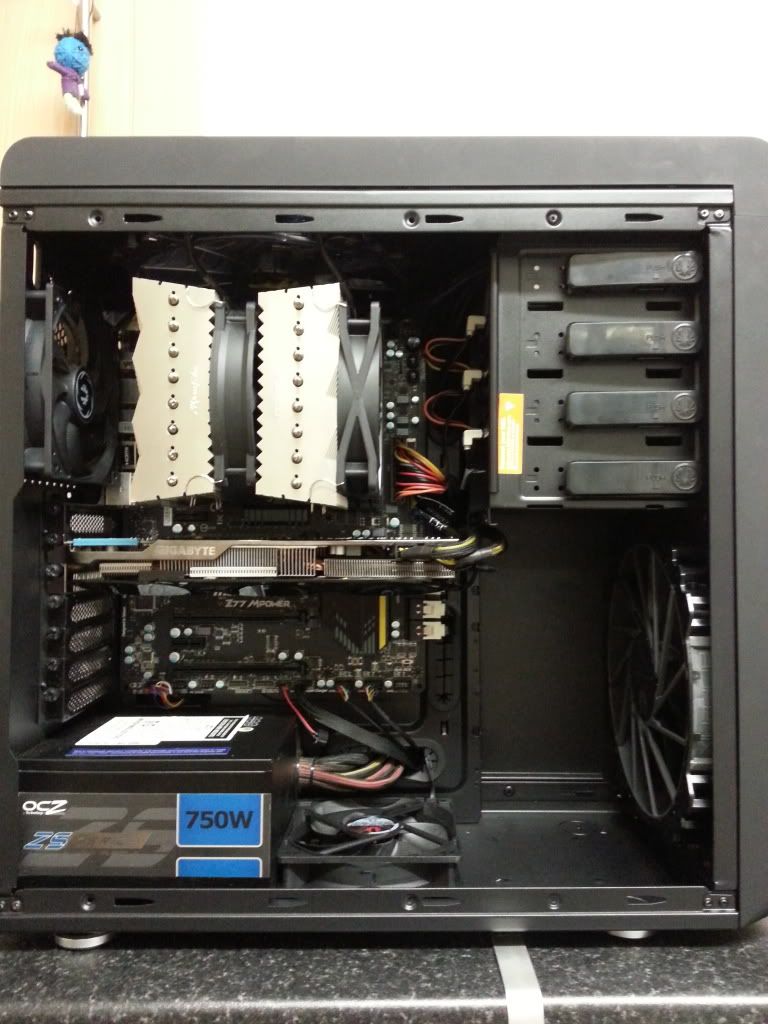
I wanted to get better air flow to the gpu, so i decided to take the hard drive cage out, and re mount them at the top.
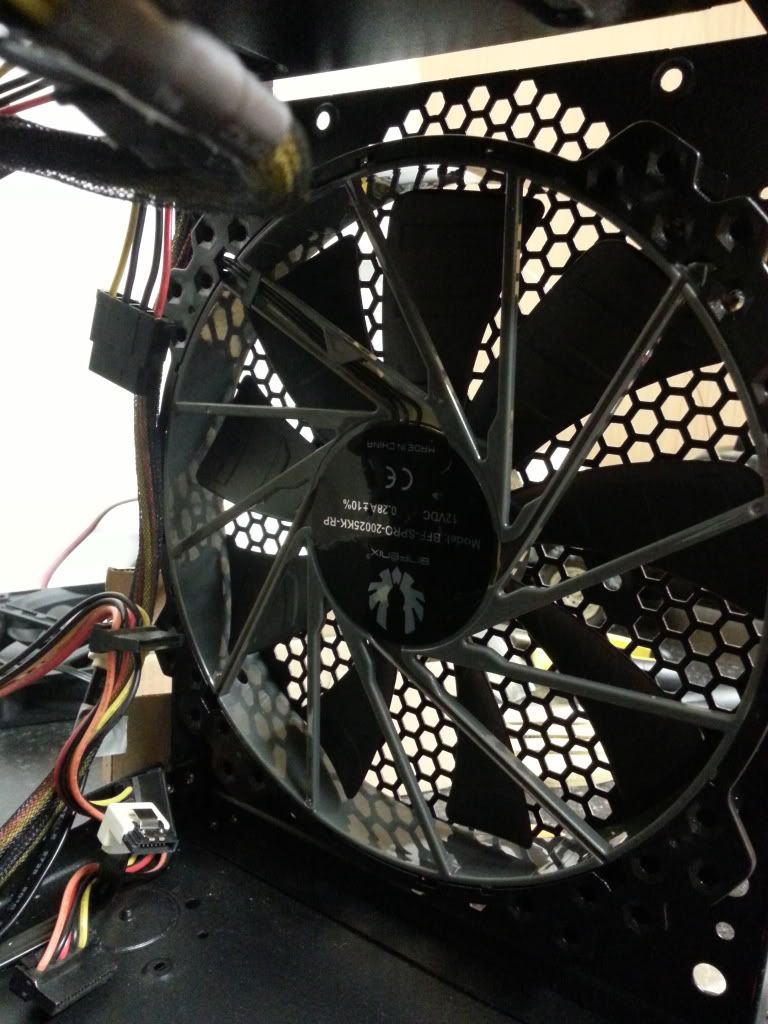
I got another 200mm bitfenix fan as well.
200mm on front pushing into the case
120mm on botton pushing into case
200mm on top, exhaust out
120mm on back exhaust out.
with the cage gone, there is nothing in the way for the air flow to the gpu, cpu so they get a nice flow of air.
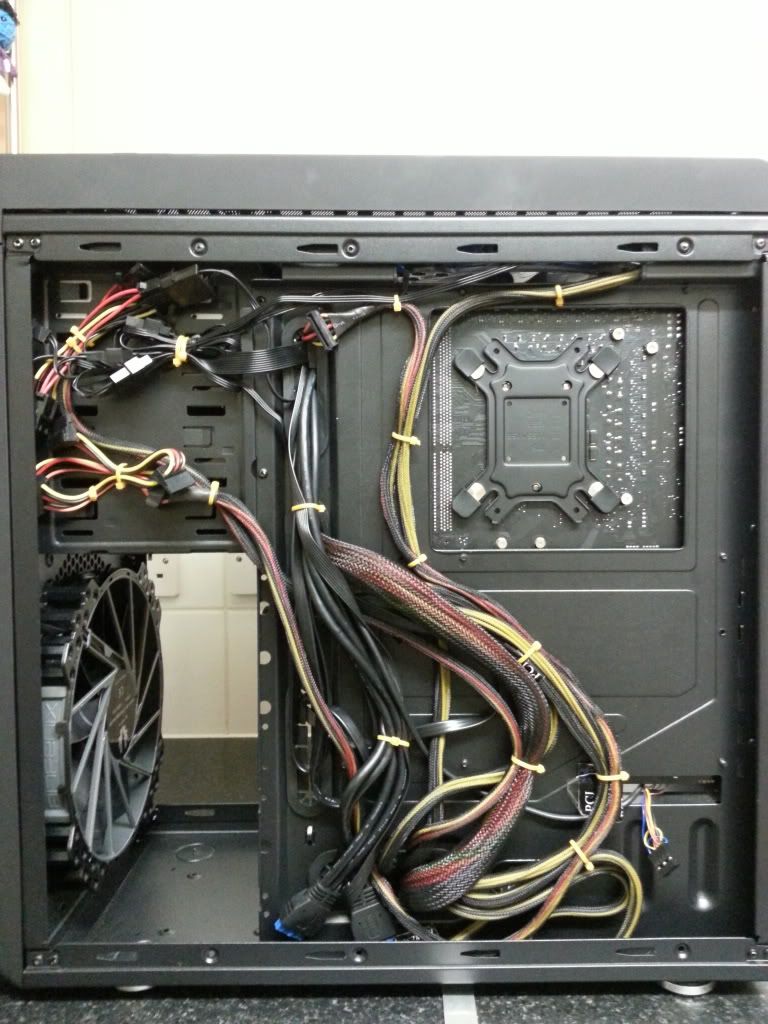
I had another clean up of the wires as well.
what do you think?
here is the cage out (i had to remove the pop revits)
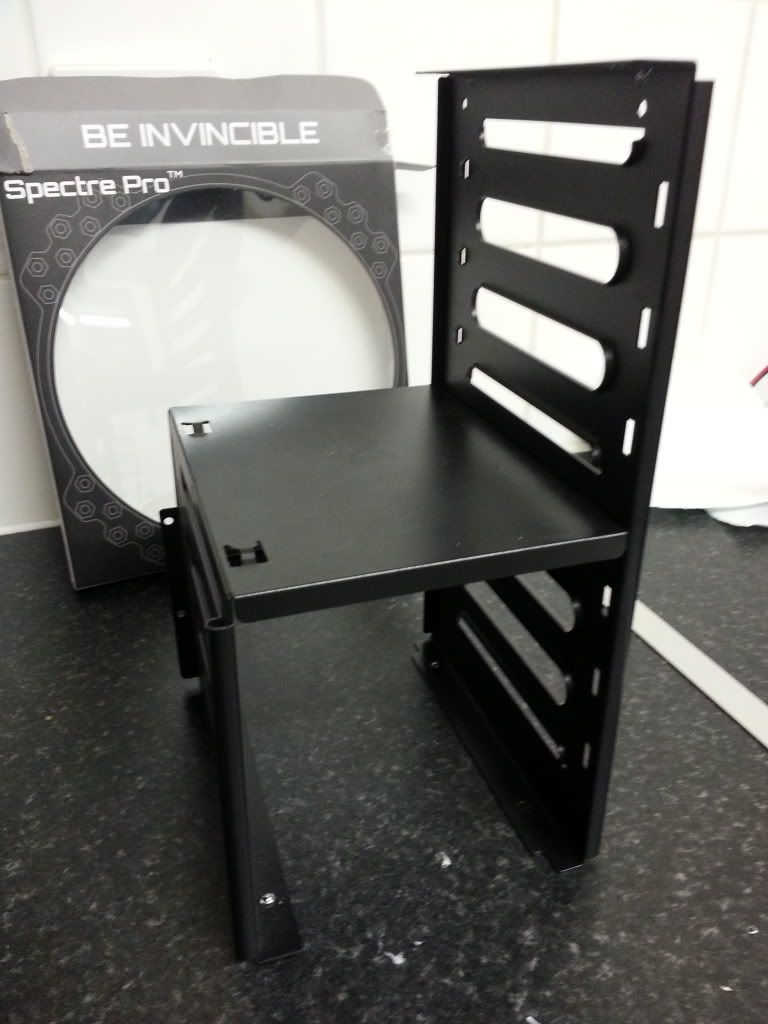
the hard drive cage
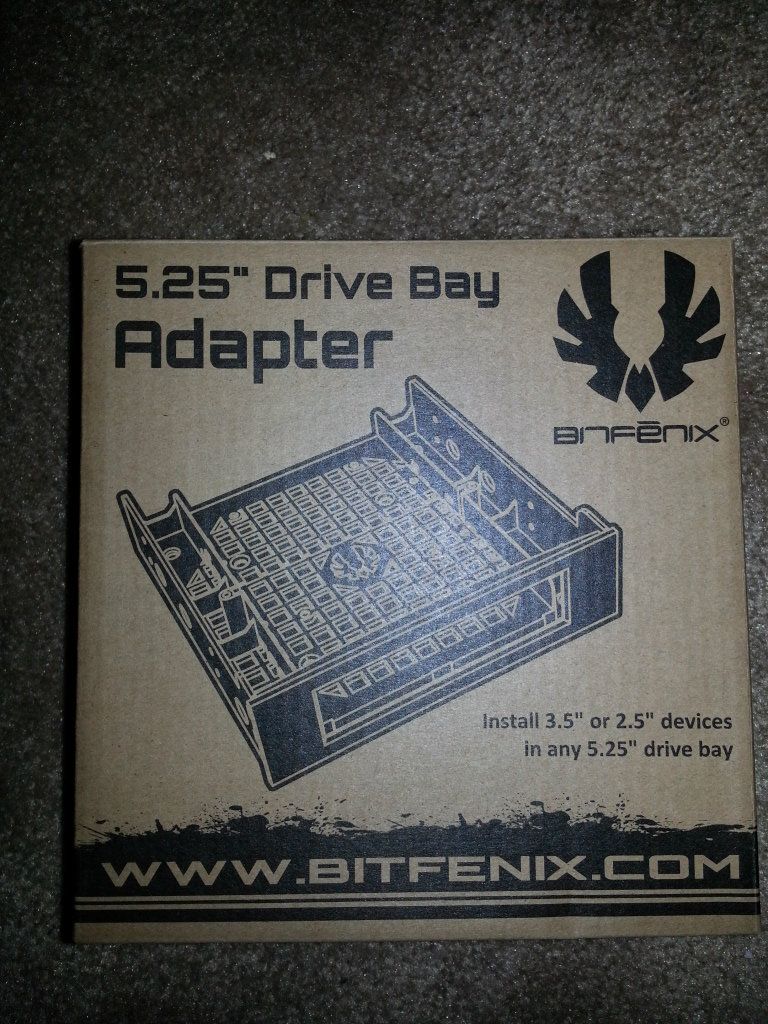
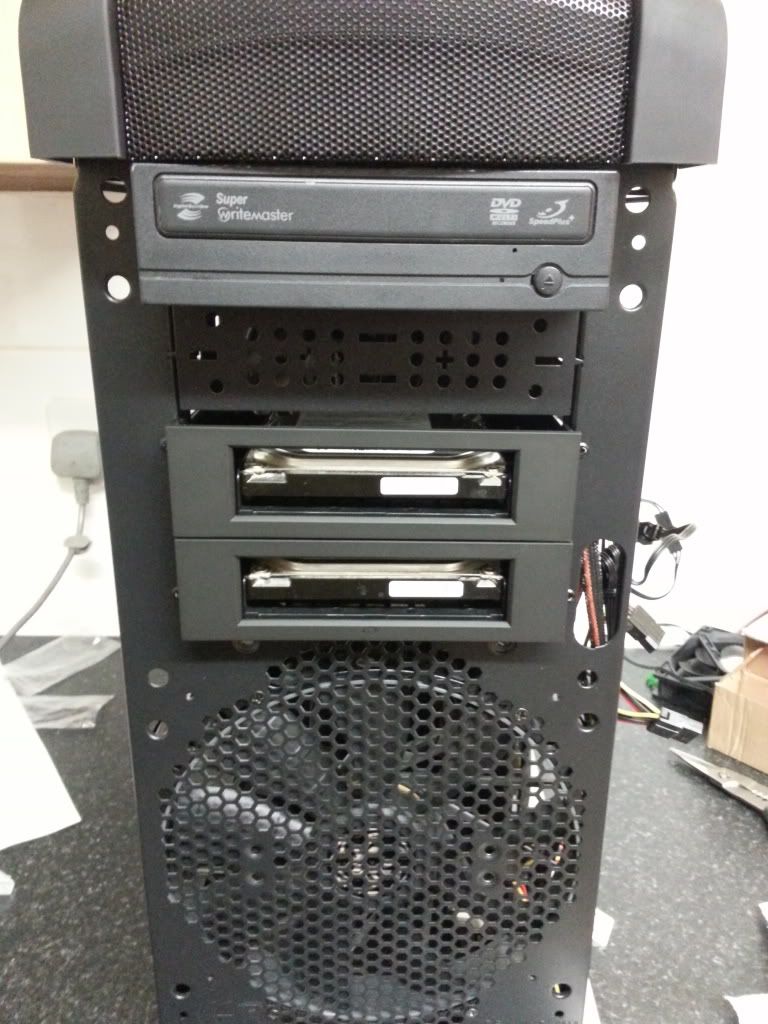
pics of the fans
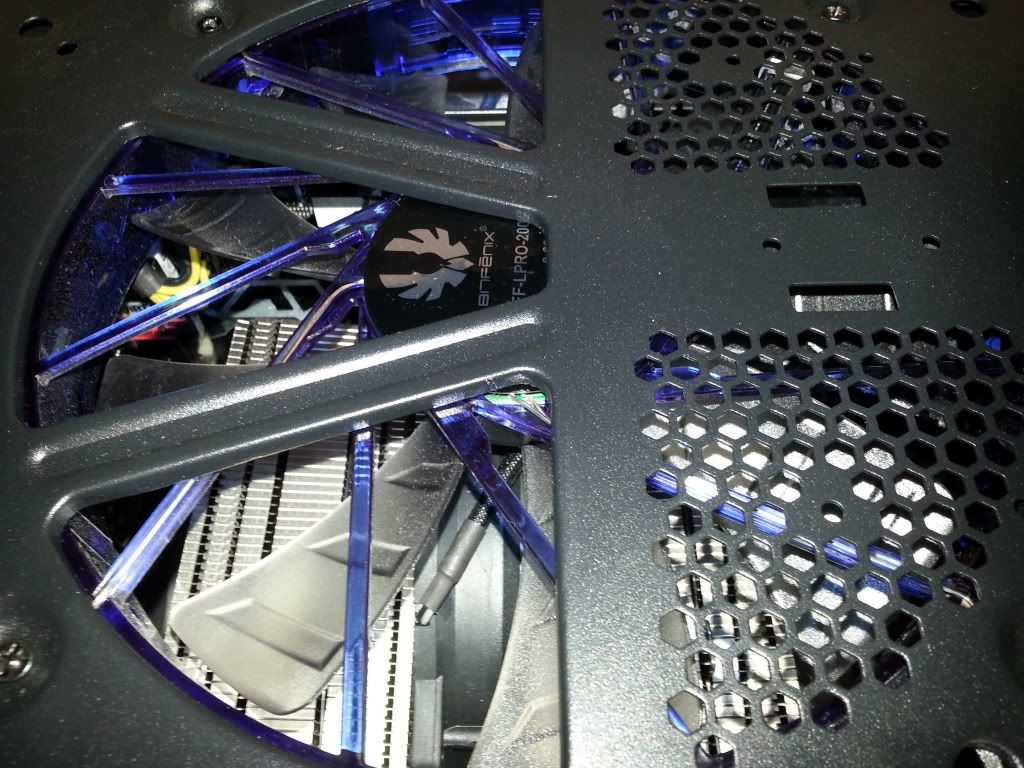
the wire clean up
the new space
what do you think?
thanks
ian
I wanted to get better air flow to the gpu, so i decided to take the hard drive cage out, and re mount them at the top.
I got another 200mm bitfenix fan as well.
200mm on front pushing into the case
120mm on botton pushing into case
200mm on top, exhaust out
120mm on back exhaust out.
with the cage gone, there is nothing in the way for the air flow to the gpu, cpu so they get a nice flow of air.
I had another clean up of the wires as well.
what do you think?
here is the cage out (i had to remove the pop revits)
the hard drive cage
pics of the fans
the wire clean up
the new space
what do you think?
thanks
ian



Scooby Regular
iTrader: (3)
Joined: Aug 2000
Posts: 25,565
Likes: 2
From: 1600cc's of twin scroll fun :)
Yes much better  I take it your airflow for your cpu fan is right to left?
Just ashame there is no side fan, one of the reasons we recommended the HAF (high air flow) case from coolermaster
I take it your airflow for your cpu fan is right to left?Just ashame there is no side fan, one of the reasons we recommended the HAF (high air flow) case from coolermaster


Hi Stu, im guess guessing with the air flow, but i think the 200mm at the front goes along to the gpu, then pushed up by the 120mm, and helped sucked up and out by the 200mm on top and 120mm at the back.
from a strate swap over from the iceq to the gigabite, i noticded around a 6-8c drop in temp. max temps so far with the new fan set up on the gigabite is low 60c after a good sesh at far cry 3, where i was getting 75-85 with the iceq and set up before.
all in all, even though the gigabite blows the hot har into the case, over the iceq out the back, i am happer with it.
anything you could recomend please stu (btw are you on overclockers?)
from a strate swap over from the iceq to the gigabite, i noticded around a 6-8c drop in temp. max temps so far with the new fan set up on the gigabite is low 60c after a good sesh at far cry 3, where i was getting 75-85 with the iceq and set up before.
all in all, even though the gigabite blows the hot har into the case, over the iceq out the back, i am happer with it.
anything you could recomend please stu (btw are you on overclockers?)

Joined: May 2003
Posts: 4,464
Likes: 0
From: Blackpool, Uk. Destination: Rev Limiter.
Hi Ian,
The main thing to remember with PC fans is they cannot overcome resistance so you need to ensure that whatever you can get in, you can also get out.
The reason I asked is because I see you have missmatched sizes, which makes it trickier to get just right. Just try to visualise it as water, or, since this is scoobynet, fuel. If your flowing 1 gallon per minute in, you need to be able to flow 1 gallon per minute out.
Ideally, you should end up with the case ever so slightly positive IMO as this tends to work best, so ever so slightly more air going in, than coming out.
It may well be to your advantage to ensure that all those small fans are exiting the case and the large one coming in, after checking the airflow capabilities of them. And remember the PSU may, or may not be doing something with the case too.
Ref OC forms.
Yes, I am on all of them as "Stu @ MSD" or "Stu - Crossfire"
**edit**
Didnt see the 200 on top - but you can see what I am saying I hope.
The fans are only as good as the weakest link, so make sure you have "Flow" through the case, no just turbulance.
The main thing to remember with PC fans is they cannot overcome resistance so you need to ensure that whatever you can get in, you can also get out.
The reason I asked is because I see you have missmatched sizes, which makes it trickier to get just right. Just try to visualise it as water, or, since this is scoobynet, fuel. If your flowing 1 gallon per minute in, you need to be able to flow 1 gallon per minute out.
Ideally, you should end up with the case ever so slightly positive IMO as this tends to work best, so ever so slightly more air going in, than coming out.
It may well be to your advantage to ensure that all those small fans are exiting the case and the large one coming in, after checking the airflow capabilities of them. And remember the PSU may, or may not be doing something with the case too.
Ref OC forms.
Yes, I am on all of them as "Stu @ MSD" or "Stu - Crossfire"
**edit**
Didnt see the 200 on top - but you can see what I am saying I hope.
The fans are only as good as the weakest link, so make sure you have "Flow" through the case, no just turbulance.
Hi Stu, im guess guessing with the air flow, but i think the 200mm at the front goes along to the gpu, then pushed up by the 120mm, and helped sucked up and out by the 200mm on top and 120mm at the back.
from a strate swap over from the iceq to the gigabite, i noticded around a 6-8c drop in temp. max temps so far with the new fan set up on the gigabite is low 60c after a good sesh at far cry 3, where i was getting 75-85 with the iceq and set up before.
all in all, even though the gigabite blows the hot har into the case, over the iceq out the back, i am happer with it.
anything you could recomend please stu (btw are you on overclockers?)
from a strate swap over from the iceq to the gigabite, i noticded around a 6-8c drop in temp. max temps so far with the new fan set up on the gigabite is low 60c after a good sesh at far cry 3, where i was getting 75-85 with the iceq and set up before.
all in all, even though the gigabite blows the hot har into the case, over the iceq out the back, i am happer with it.
anything you could recomend please stu (btw are you on overclockers?)
Last edited by Evolution Stu; Jan 18, 2013 at 03:56 PM.
I have the same going in as going out
200mm + 120mm going in
200mm + 120mm going out
could it be worth trying to squeze a small fan to give that little bit more of pushing in for a little bit more + pressure?
200mm + 120mm going in
200mm + 120mm going out
could it be worth trying to squeze a small fan to give that little bit more of pushing in for a little bit more + pressure?
Go on the overclockers forum, they have a case section and ask for opinions. Tell them what your after, your budget and you will get some good feedback.
http://forums.overclockers.co.uk/forumdisplay.php?f=5
The Bitfenix Shinobi seems to get recommended a lot, the Corsair 650D that i have is great but thats probably pushing your budget a bit too much.
http://forums.overclockers.co.uk/forumdisplay.php?f=5
The Bitfenix Shinobi seems to get recommended a lot, the Corsair 650D that i have is great but thats probably pushing your budget a bit too much.
am on there at the min, i have this up in there projects section as well :-)
Ian Jones is my user name on there
on the standard case set up and his iceq boost card, with fans on auto i use to get 74c gpu temps with case fans on min, and 68/70 with case fans on max and faster gpu fans.
with the new gigabyte windforce x3 and case set up
gpu fans on auto, case fans on min i was getting max 60c, with gpu fans on auto and case fans on max i got 56c
so all in all, cooler temps with this new set up (room temp is the same both times)
with the new gigabyte windforce x3 and case set up
gpu fans on auto, case fans on min i was getting max 60c, with gpu fans on auto and case fans on max i got 56c
so all in all, cooler temps with this new set up (room temp is the same both times)

Thread
Thread Starter
Forum
Replies
Last Post
MightyArsenal
Wheels, Tyres & Brakes
6
Sep 25, 2015 08:31 PM


