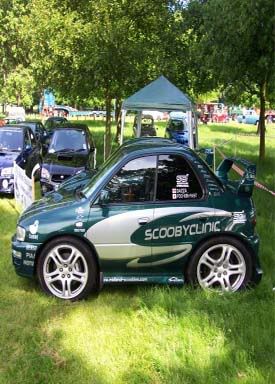
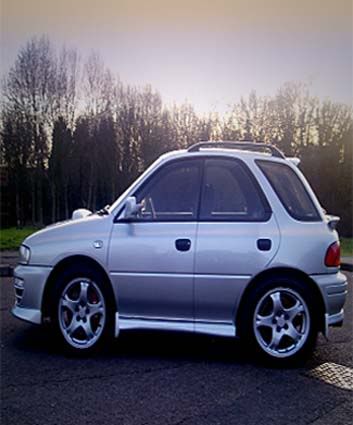
Squashed scoobs please!


Scooby Regular
iTrader: (5)
Joined: Feb 2004
Posts: 5,387
Likes: 0
From: S E London........ 555 Wagon Sqn

Originally Posted by Neanderthal
Last one from me today, better do some work 
edit forgot about the leading edge of the front wheel

Matt
edit forgot about the leading edge of the front wheel
Matt

Last edited by Granby; Jul 7, 2006 at 11:16 PM.




Scooby Regular
Joined: May 2006
Posts: 779
Likes: 0


Scooby Regular
Joined: Nov 2003
Posts: 46,493
Likes: 13
From: riding the crest of a wave ...

Originally Posted by Jap Import
LOL
Great work guys...

Scooby Regular
iTrader: (6)
Joined: Jun 2001
Posts: 6,850
Likes: 0
From: Northampton, Xbox GamerTag - Neanderthal1976
Bloody hell loads of requests!
I'll see what I can do tomorrow at work
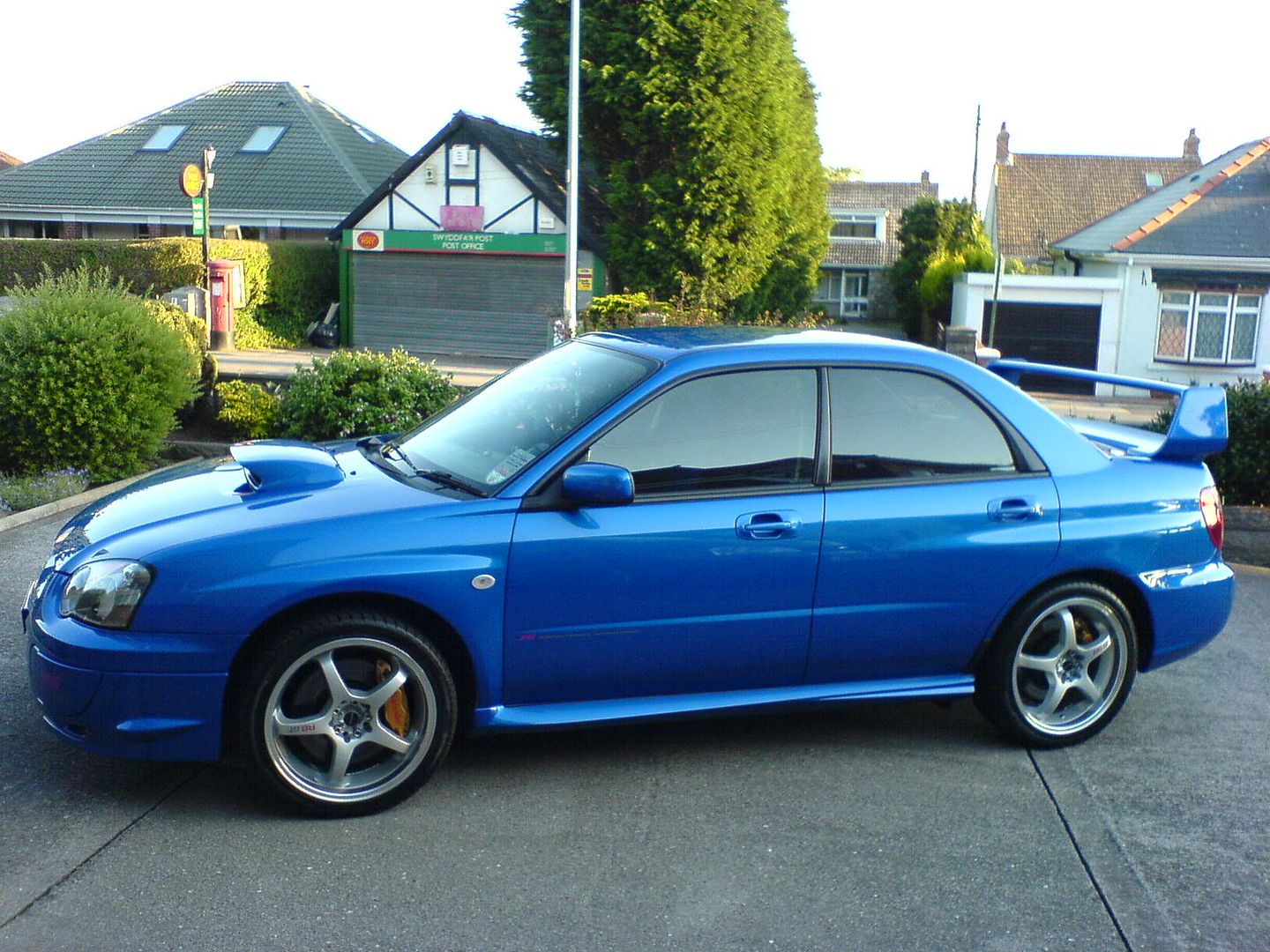
If anyone wants to have a go themselves, I use Photoshop but I think you can do the same thing in PaintShop Pro.
Start with your normal image, duplicate the background layer.
Switch to the new layer and turn off the background layer (makes it easier to see what you're doing).
Erase everything but the wheels, but make sure you leave a bit of the wheel arches.
Duplicate the wheels layer, erase one of the wheels on each of the wheels layers so you've got the rear on one and the front on the other.
Switch back to the background layer (might want to turn off the wheel layers for the time being)
Select all (ctrl-a in PS) and transform (ctrl-t in PS).
Drag the edges of the picture in so that it's just over 50% it's original width.
Now go back to each of the wheel layers and reposition them to where you think they look best.
When you're happy with the image, merge all the layers (flatten the image) and crop the unwanted stuff off the edges.
Job done
I'll see what I can do tomorrow at work
If anyone wants to have a go themselves, I use Photoshop but I think you can do the same thing in PaintShop Pro.
Start with your normal image, duplicate the background layer.
Switch to the new layer and turn off the background layer (makes it easier to see what you're doing).
Erase everything but the wheels, but make sure you leave a bit of the wheel arches.
Duplicate the wheels layer, erase one of the wheels on each of the wheels layers so you've got the rear on one and the front on the other.
Switch back to the background layer (might want to turn off the wheel layers for the time being)
Select all (ctrl-a in PS) and transform (ctrl-t in PS).
Drag the edges of the picture in so that it's just over 50% it's original width.
Now go back to each of the wheel layers and reposition them to where you think they look best.
When you're happy with the image, merge all the layers (flatten the image) and crop the unwanted stuff off the edges.
Job done

Don't for get mine 
Originally Posted by SC008Y_MAD
Could somebody do one of my car please...
http://i18.photobucket.com/albums/b1...n-/mysport.jpg
and or
http://i18.photobucket.com/albums/b1...-/MySport2.jpg ***
*Preferable
Cheers
http://i18.photobucket.com/albums/b1...n-/mysport.jpg
and or
http://i18.photobucket.com/albums/b1...-/MySport2.jpg ***
*Preferable
Cheers


Scooby Regular
iTrader: (6)
Joined: Jun 2001
Posts: 6,850
Likes: 0
From: Northampton, Xbox GamerTag - Neanderthal1976
Originally Posted by Daft Lad
Please please PLEASE do me!! Tis on the previous page!