Notices
Member's Gallery Pictures of your pride and joy

help

Thread Tools
 
Search this Thread
 
Old Dec 27, 2003 | 09:26 AM
  #1  
hodgey001's Avatar
hodgey001
Thread Starter
Scooby Regular
 
Joined: Dec 2003
Posts: 289
Likes: 0
From: Birmingham
Unhappy

anyone tell how to post pics on here please
Reply
Old Dec 27, 2003 | 09:31 AM
  #2  
clarky1982's Avatar
clarky1982
Scooby Regular
 
Joined: Aug 2003
Posts: 287
Likes: 0
Post

i think you need to put the web adress in for the picture with [ img ] at the front and [ / img ] at the end. but without the spaces. try editing some posts with pictures on to see how its done
Reply
Old Dec 27, 2003 | 11:24 AM
  #3  
rossyboy's Avatar
rossyboy
Scooby Regular
iTrader: (8)
 
Joined: Oct 2003
Posts: 4,194
Likes: 94
From: Flying the Flag for the GC8A
Exclamation

If you dont have a website, find one to upload your pictures onto like showoffyourcar.com, then as suggested above, go to edit on someone else's picture to see how its done. You'll need to put in your picture's web address with the img and brackets added at each end, making sure everything is typed correctly.
Reply
Old Dec 27, 2003 | 11:25 AM
  #4  
Ted Ed's Avatar
Ted Ed
Scooby Regular
 
Joined: Jun 2001
Posts: 541
Likes: 0
Post

go to

www.photobucket.com

Set up your own photo pages..it's easy

add your pictures

copy the url from the picture..example... http://img.photobucket.com/albums etc

post on scoobynet like this


click on my edit button to see exactly how the picture url is typed in


Simon


[Edited by Ted Ed - 12/27/2003 11:45:33 AM]
Reply
Old Dec 27, 2003 | 12:27 PM
  #5  
Shropshire-Guy's Avatar
Shropshire-Guy
Scooby Regular
 
Joined: Aug 2002
Posts: 1,195
Likes: 0
Thumbs up


Sorry http://img9.photobucket.com/albums/v24/Shropshire-guy/sunny_day.jpgto crash thread, but i have to try this
Reply
Old Dec 27, 2003 | 12:29 PM
  #6  
Shropshire-Guy's Avatar
Shropshire-Guy
Scooby Regular
 
Joined: Aug 2002
Posts: 1,195
Likes: 0
Unhappy


http://img9.photobucket.com/albums/v24/Shropshire-guy/sunny_day.jpg
Reply
Old Dec 27, 2003 | 12:31 PM
  #7  
Shropshire-Guy's Avatar
Shropshire-Guy
Scooby Regular
 
Joined: Aug 2002
Posts: 1,195
Likes: 0
Question


Anyone tell me what im doing wrong please
Reply
Old Dec 27, 2003 | 12:38 PM
  #8  
16vmarc's Avatar
16vmarc
Scooby Regular
 
Joined: May 2004
Posts: 10,059
Likes: 0
From: Shell Garage, York
Post

Reply
Old Dec 27, 2003 | 12:39 PM
  #9  
16vmarc's Avatar
16vmarc
Scooby Regular
 
Joined: May 2004
Posts: 10,059
Likes: 0
From: Shell Garage, York
Post

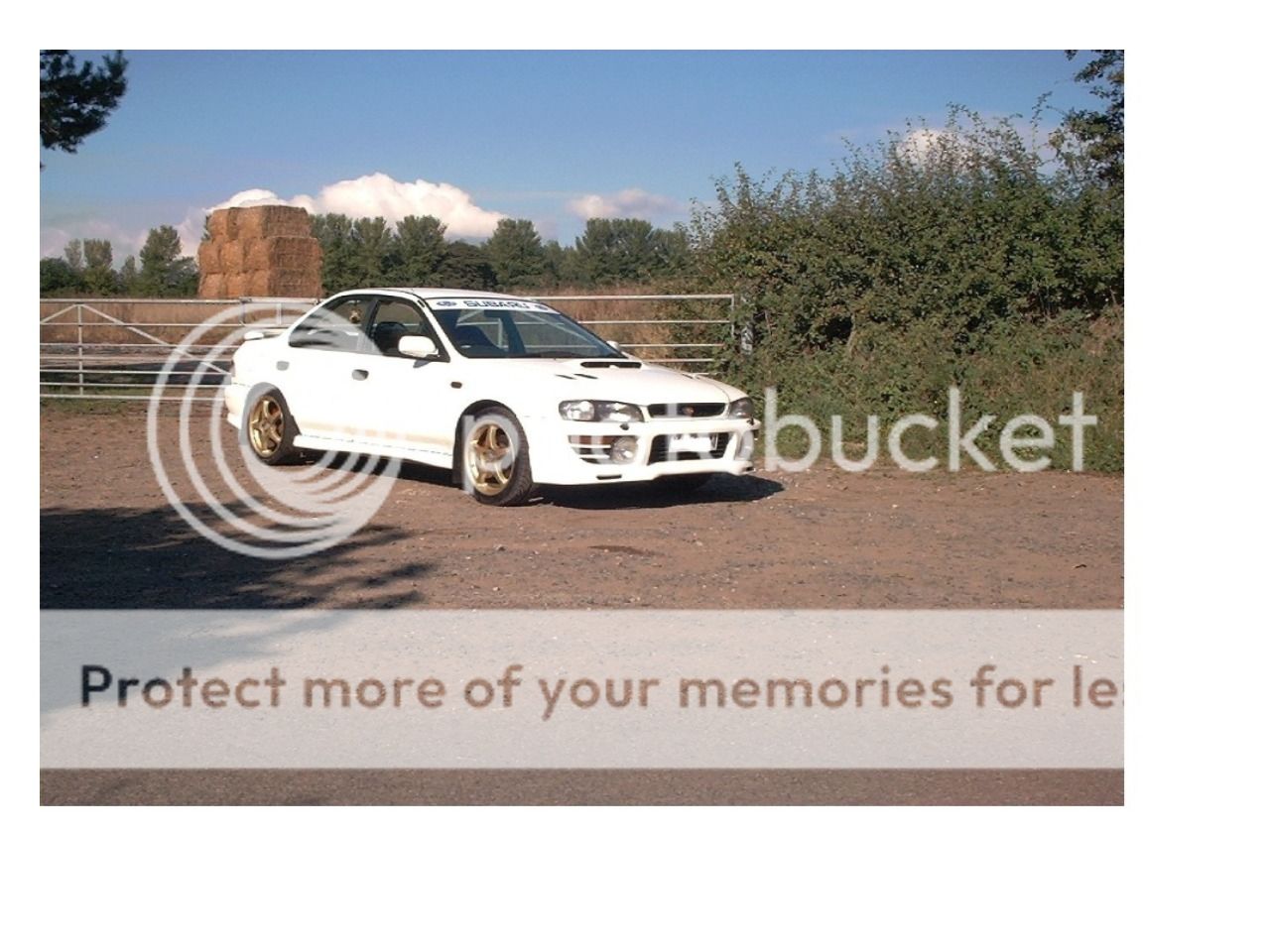
Very nice, white scoobs

Youn needed to put [img ] and [/img ] but no gap in the last ]
Reply
Old Dec 27, 2003 | 12:40 PM
  #10  
Shropshire-Guy's Avatar
Shropshire-Guy
Scooby Regular
 
Joined: Aug 2002
Posts: 1,195
Likes: 0
Post


Mark your a Star, But how you do it please
Reply
Old Dec 27, 2003 | 12:57 PM
  #11  
Ted Ed's Avatar
Ted Ed
Scooby Regular
 
Joined: Jun 2001
Posts: 541
Likes: 0
Post

Shropshire-Guy

Edit Marc's post to see how he typed it in

Simon
Reply
Old Dec 27, 2003 | 12:58 PM
  #12  
Shropshire-Guy's Avatar
Shropshire-Guy
Scooby Regular
 
Joined: Aug 2002
Posts: 1,195
Likes: 0
Post


Trying again
Reply
Old Dec 27, 2003 | 01:00 PM
  #13  
Shropshire-Guy's Avatar
Shropshire-Guy
Scooby Regular
 
Joined: Aug 2002
Posts: 1,195
Likes: 0
Talking


yesssssssssssssss
Reply
Old Dec 27, 2003 | 01:02 PM
  #14  
Ted Ed's Avatar
Ted Ed
Scooby Regular
 
Joined: Jun 2001
Posts: 541
Likes: 0
Post

Cool


You just need to resize your pictures on photoshop.... 600-800 pixels wide is usually best to fit on the page..

Simon
Reply
Old Dec 27, 2003 | 01:04 PM
  #15  
Shropshire-Guy's Avatar
Shropshire-Guy
Scooby Regular
 
Joined: Aug 2002
Posts: 1,195
Likes: 0
Cool


Thanks guy. Off to resize them all now. lol
Reply
Old Dec 27, 2003 | 06:20 PM
  #16  
waggy doo's Avatar
waggy doo
Scooby Regular
iTrader: (1)
 
Joined: Jun 2002
Posts: 1,649
Likes: 0
From: Crowbuckshire
Post

Just trying myself

Bet this dont work but been bugging me for ages,so here goes.
Reply


All times are GMT +1. The time now is 03:27 AM.